FREE TOOL · YOUR PHOTO, YOUR MEASUREMENTS
Will it fit? Show the answer in your product photo.
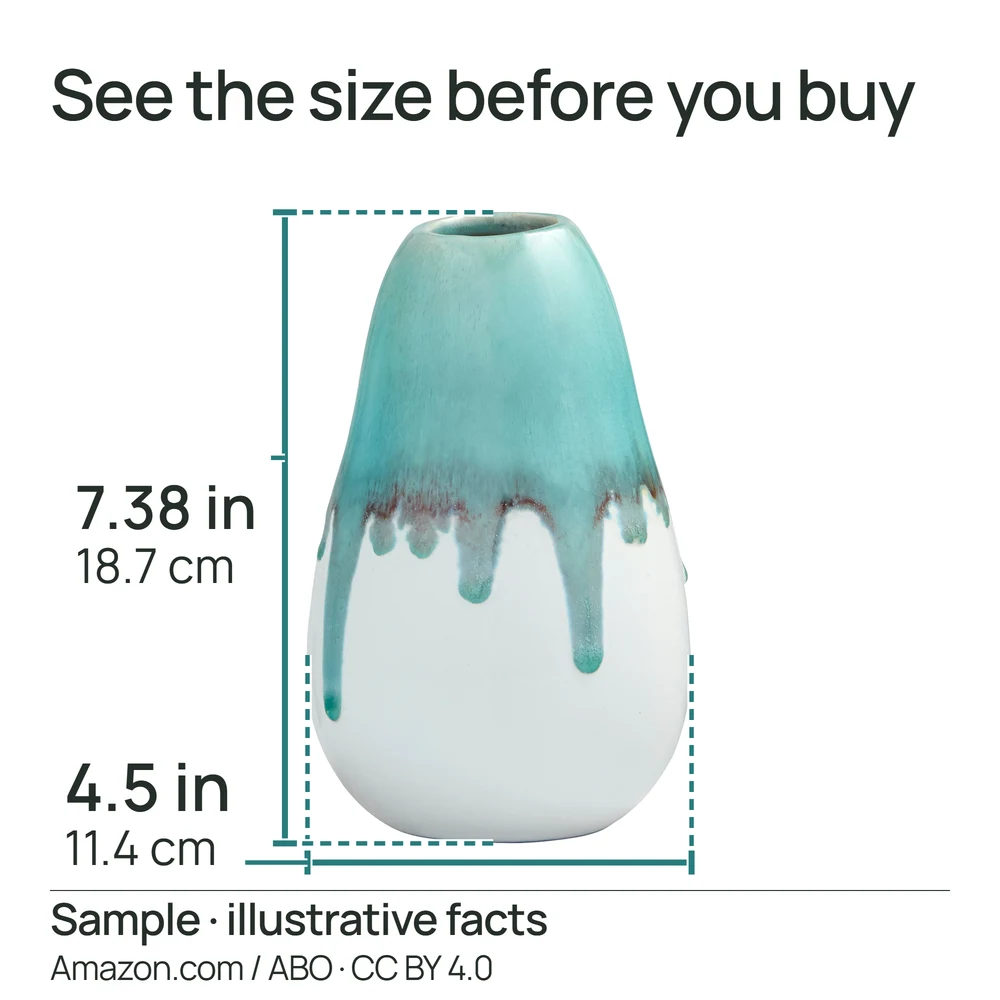
Use our free product dimension image maker to add confirmed sizes and measurement lines to a real photo. Help shoppers compare your product with the space they have.
Start free editorNo account, card or watermark. Download a 2000 × 2000 PNG and matching text.
Bring a photo and the numbers you trust.
A straight-on or top-down photo makes width and height easier to show. Keep the whole product visible, including the edges where a measurement starts and ends. An angled photo cannot establish accurate depth or hidden inside space.
- Your original photo: use a clear image you own or have permission to use.
- Confirmed measurements: measure the product or use specifications you can verify. Include the unit.
- One shopper question: outer size, inside clearance or what fits. Keep these measurements distinct.
Make a size image in four steps.
- Upload and choose size. Open the editor, add your photo and choose the size-image option.
- Enter your measurements. Add width, height and optional depth. Use named measurements when your photo is too angled for clear lines.
- Place the lines. Choose the photo-with-lines layout and place each line on the corresponding product edges. Check its label and position.
- Review and download. Check every number and the phone-size preview, approve the image, then download your PNG and text.
The tool does not measure from pixels. A dimension line illustrates the number you supply; it is not proof that the product was measured.
Outer size is not usable space.
For a drawer organizer, outer width answers “will the organizer fit my drawer?” Inside width answers “will my utensils fit the compartment?” Enter separate, confirmed measurements rather than using one number for both.
Can I use it in an Amazon listing?
A dimension graphic is intended for the supporting image gallery, not the main product image. Check the marketplace and category requirements before uploading. Productmallow does not guarantee Amazon approval.
Read the Amazon image requirements guideDo it yourself, or hand over the layout.
The editor and HD downloads are free. Optional $9 Auto-finish removes the background and prepares a layout; preview before paying. The $49 reviewed service adds personal design and one round of changes after the scope and delivery date are agreed.
Make a free size imageCompare free, $9 and $49 · One-time prices in USD.